How to Find Which YouTube Video You Watched the Most
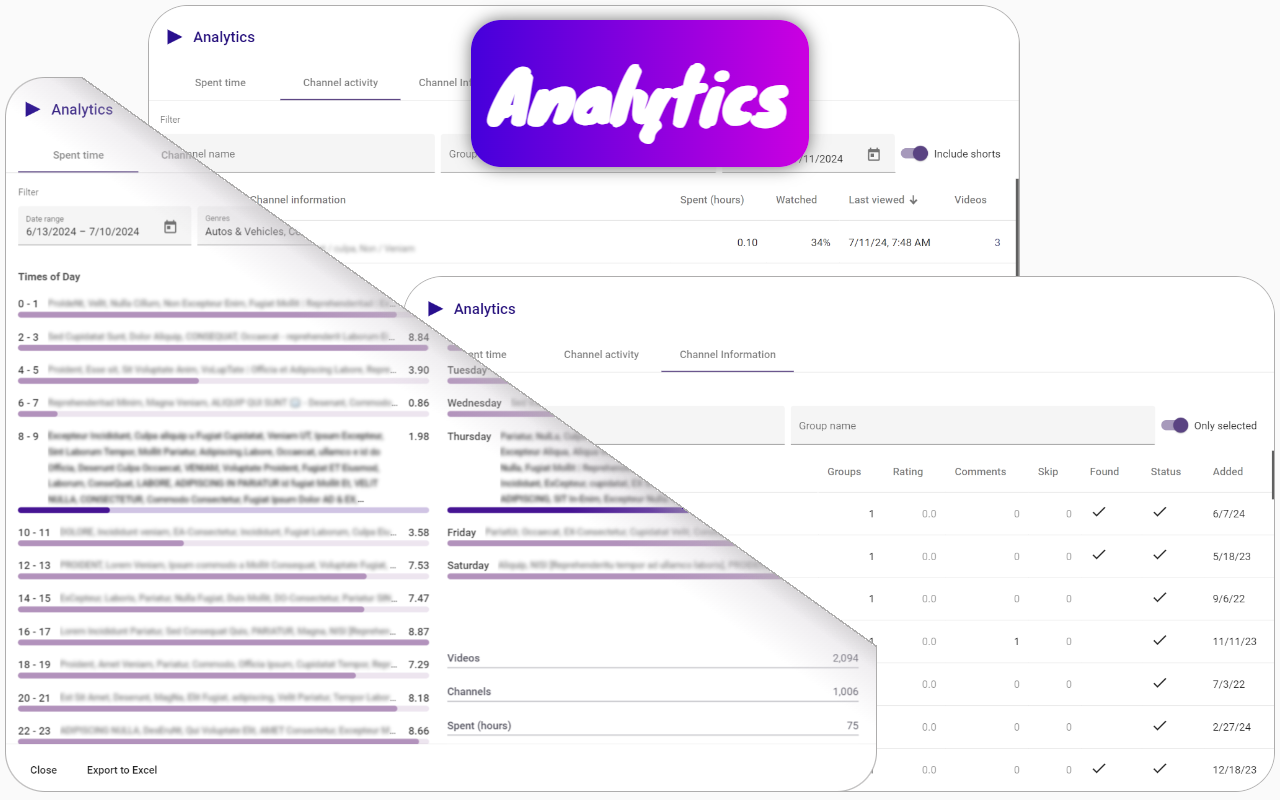
To find out which YouTube video you have watched the most over the last 30 days, you can use the Channel groups and rating extension. This Chrome extension provides powerful features that allow you to analyze your YouTube viewing habits effectively.
How to Use the Channel groups and rating Extension:
- Identify the Channel with Maximum Viewing Time: The extension enables you to determine which YouTube channel you have spent the most time watching in the past 30 days. This serves as your starting point for finding your most-watched videos.
- View the List of Videos: After identifying the channel, you can access a detailed list of videos you have watched from that channel. This feature helps you see exactly which videos contributed to your total viewing time.
By using these features of the Channel groups and rating extension, you can easily identify the specific YouTube video you have watched the most in the last month, gaining valuable insights into your viewing patterns.