How to Get an RSS Feed for a YouTube Channel: Step-by-Step Guide
The link looks like this: www.youtube.com/feeds/videos.xml?channel_id={id}, where {id} should be replaced with your channel id.
In 2021, you can get the id using Chrome. For this, you need to:
- Go to the YouTube channel page.
- Refresh the page (press F5).
- Click with the right mouse button.
- Select the Inspect item in the context menu.
- Find the element link rel="canonical" href="... www.youtube.com/channel/{{id}} where {id} is the channel id.
But you can get no more than 15 video elements using this RSS feed.
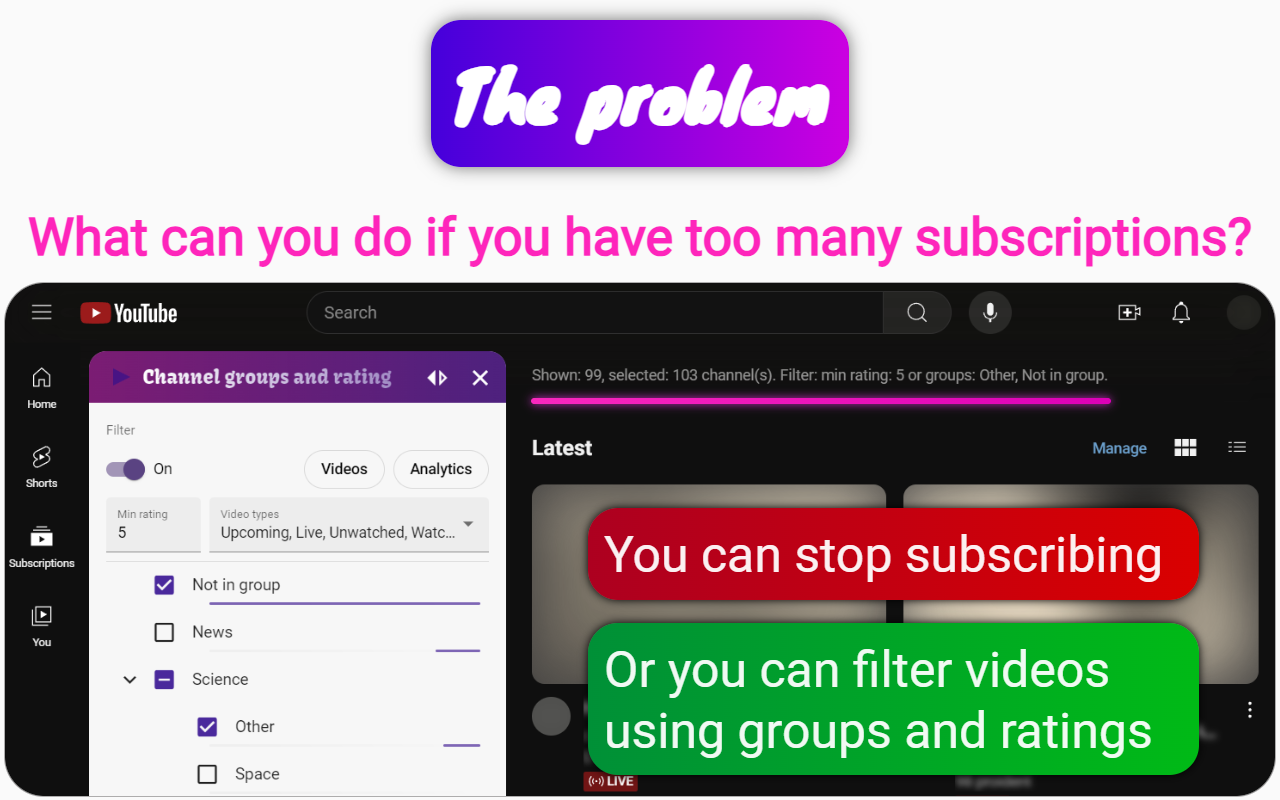
If your goal is to get information from different sources, being able to filter and group videos by your tags, then I recommend using the Channel groups and rating extensions for Chrome. It suits this situation better than an RSS aggregator.