How to manage YouTube subscriptions with collections or categories?
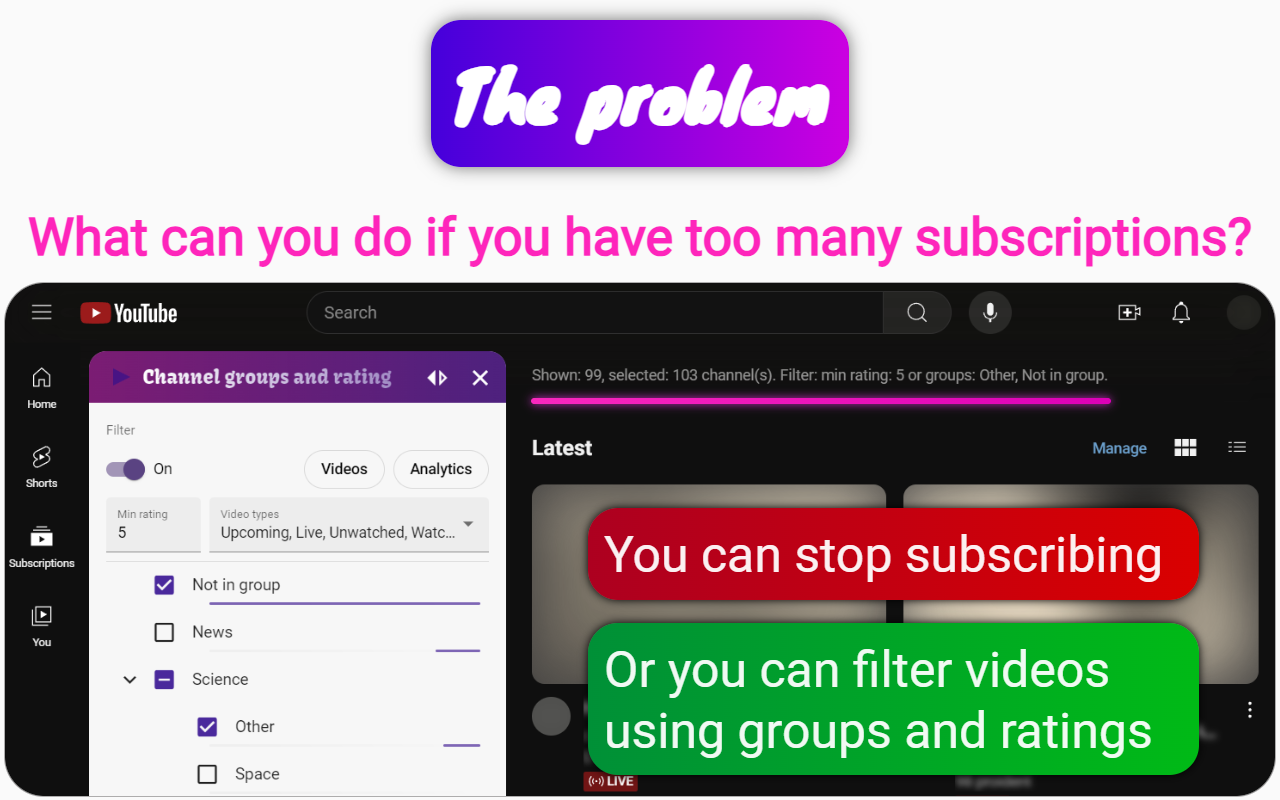
To manage your YouTube subscriptions into collections or categories, you can use the Channel groups and rating extension. This tool offers various features to help you organize and filter your subscriptions effectively.
Features of the Channel groups and rating Extension
- Grouping Channels: Create groups for your channels, allowing you to categorize them similarly to the collections that YouTube previously offered.
- Filtering Options: The extension filters videos by type (watched, premieres, scheduled, shorts, etc.), ratings, and channel groups, making it easier to find specific content.
- Personal Ratings: Assign ratings to channels to prioritize your viewing based on your preferences.
- Video Blocking: Set up filters to block unwanted videos from appearing in your feed, enhancing your viewing experience.
- Playlist Creation: Create playlists based on filtered results, allowing for seamless watching of grouped videos.
- Analytics: Gain insights into your viewing habits, including time spent on different channels and video languages.
- High-Quality Thumbnails: The extension displays high-quality thumbnails for videos, improving navigation through your subscriptions.
By utilizing the Channel groups and rating extension, you can effectively organize your YouTube subscriptions, making it easier to access your favorite content while filtering out what you don’t want to see.