Why Do YouTube Videos Have Uneven Volume and How to Normalize It?
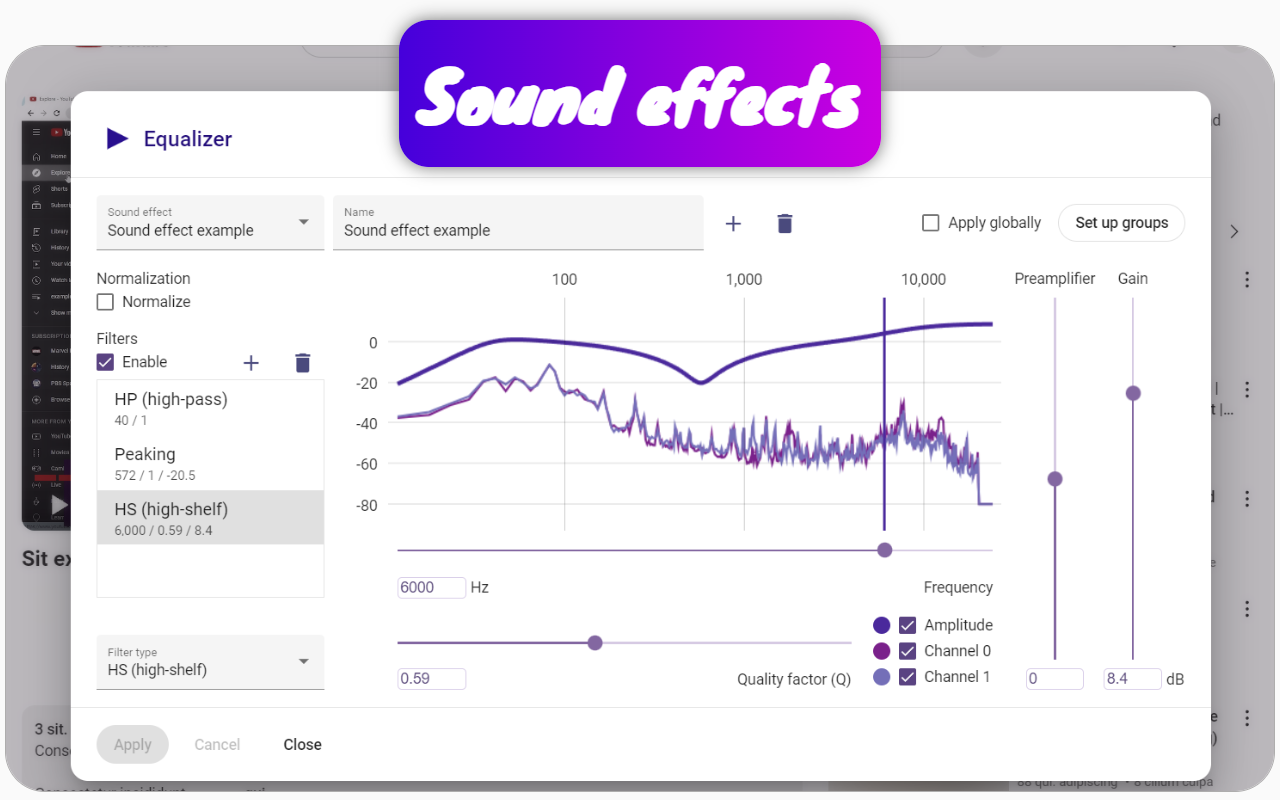
Users often upload videos to YouTube without normalizing the audio beforehand, resulting in poor sound quality. When videos are recorded on a phone, sound waves can bounce off obstacles like tables or walls, causing speech and percussion sounds to become less distinct due to partial cancellation of the sound wave and redistribution of energy from the original sound event to echoes. Additionally, some users may only upload audio on one channel, leading to a situation where one speaker is completely silent, akin to having one of two speakers malfunctioning.
Conversely, professional musicians typically aim to maximize their sound quality to make their music stand out against competitors. This discrepancy in sound levels can be quite pronounced.
To address the issue of varying volume levels, users can utilize the Chrome extension Channel groups and rating. However, the problem extends beyond mere normalization. Normalization can alter the sound, which may not be acceptable for all audio types; thus, it is preferable to adjust audio levels only for non-musical videos on YouTube. Music should ideally be enjoyed without distortion.
This extension allows users to create a group specifically for music videos, applying different volume settings than those used for other videos. It can adjust normalization and various other effects, effectively solving multiple audio-related issues.
Once configured, users can easily restore these settings if they have synchronized them, ensuring a consistent listening experience tailored to their preferences.