YouTube RSS Feed: How to Get a Link for Channels or Videos?
Yes, YouTube has an RSS link.
Other people have already written that the link looks like this www.youtube.com/feeds/videos.xml?channel_id={id}, where {id} should be replaced with your channel id.
A complete list of steps to get an id for a YouTube channel link:
- Go to the YouTube channel page.
- Refresh the page (press F5).
- Click with the right mouse button.
- Select the Inspect item in the context menu.
- Find the element link rel="canonical" href="... www.youtube.com/channel/{id}". {id} is the channel id.
This RSS feed has a limit of 15 video items.
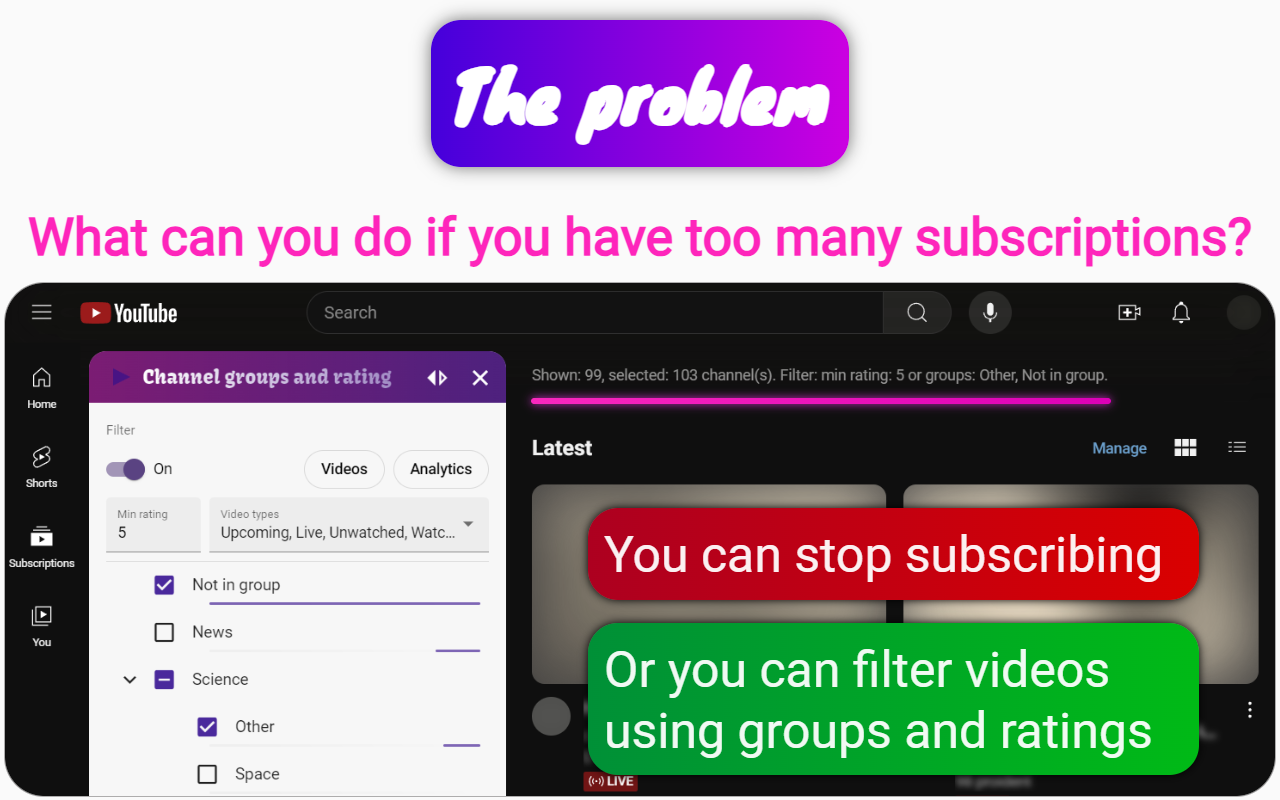
Therefore, I recommend using the Channel groups and rating extension instead.
The Channel groups and rating function is the same as RSS aggregators, but without the restrictions of the RSS feed. This extension filters, rates, and groups YouTube subscriptions, channels, videos, and comments. It also synchronizes your data with Google Drive for seamless management.